
Weather Forecast by WeatherBug for Android
Weather Forecast by WeatherBug is a weather app from WeatherBug for local forecasts, live radar, lightning tracking and severe weather alerts.
Download Weather Forecast by WeatherBug · v6.10.0-2Weather Forecast by WeatherBug helps people plan their day and stay ahead of storms, rain, lightning, pollen and poor air quality. The app is free to download, requires Android 9 or higher, and holds a 4.60 rating from about 1.93 million ratings.
- Version
- 6.10.0-2
- Requires Android
- 9
- Updated
- Nov 19, 2026
- Installs
- 10M+
- Rating
- ★ 4.6 (1,927,020)
- Category
- Weather
- Developer
- WeatherBug
- Content rating
- Everyone
- Package
- com.aws.android
- Free
- ✓ · Contains ads · In-app purchases
Screenshots
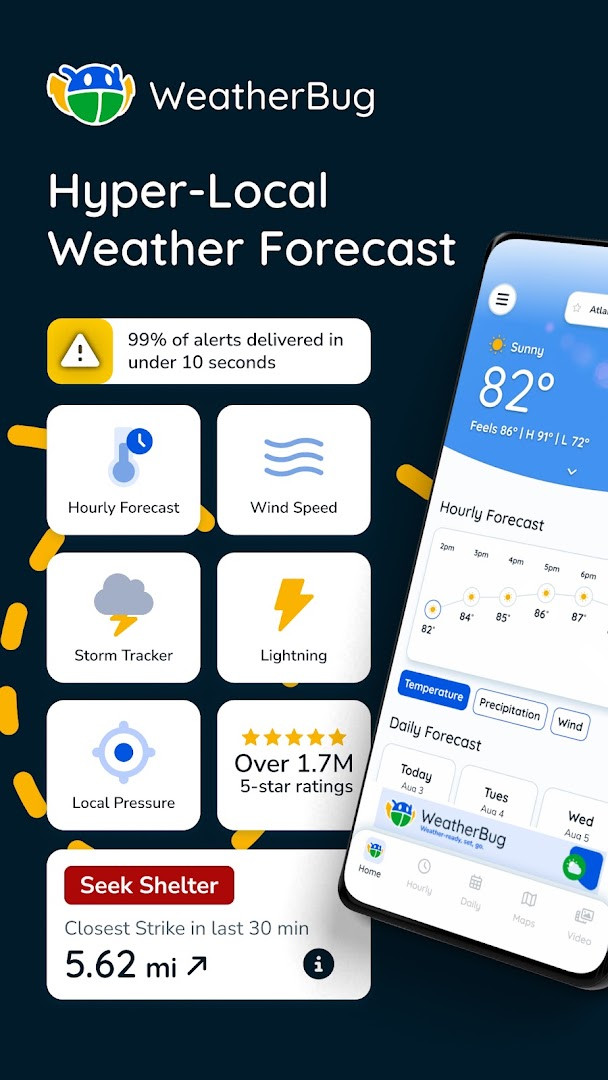
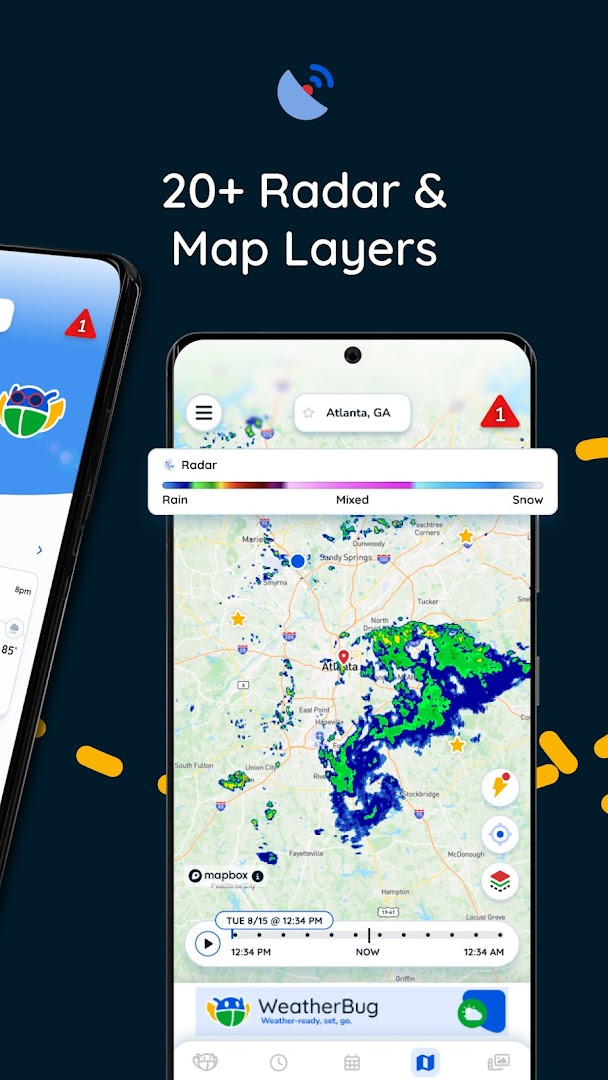
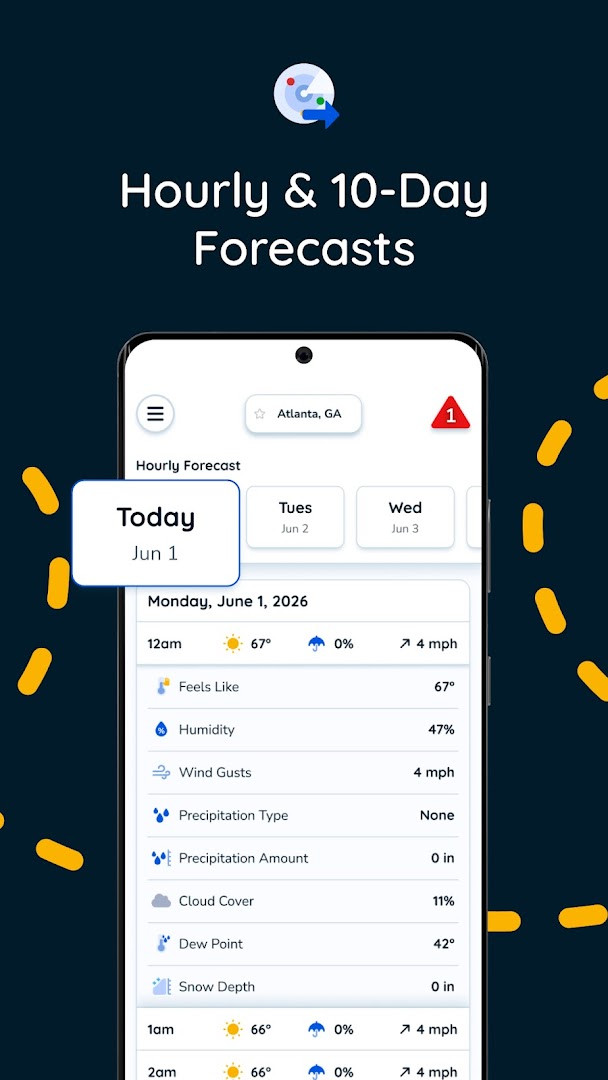
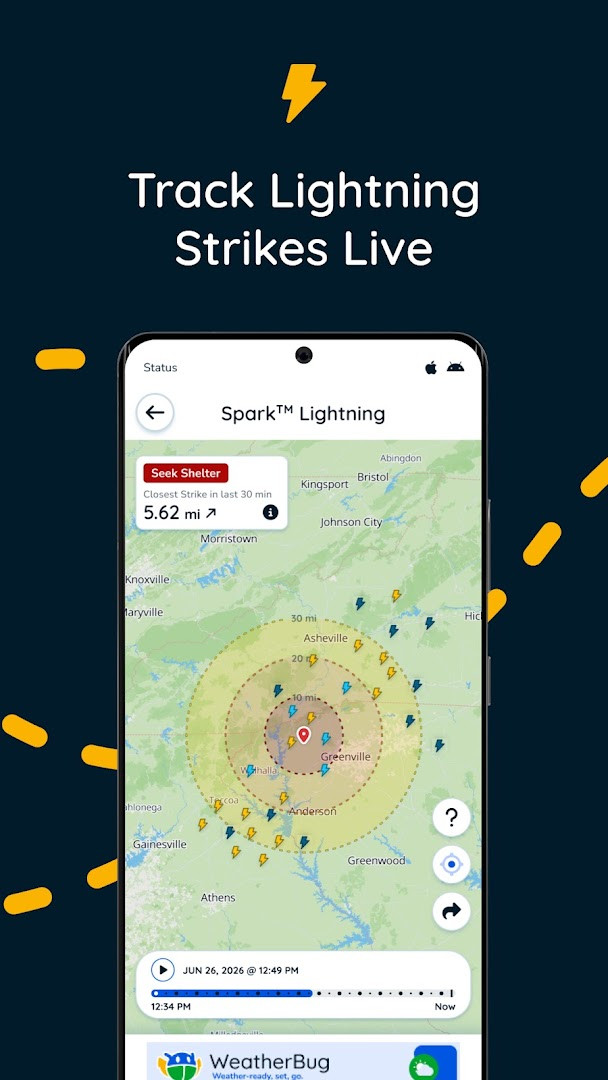
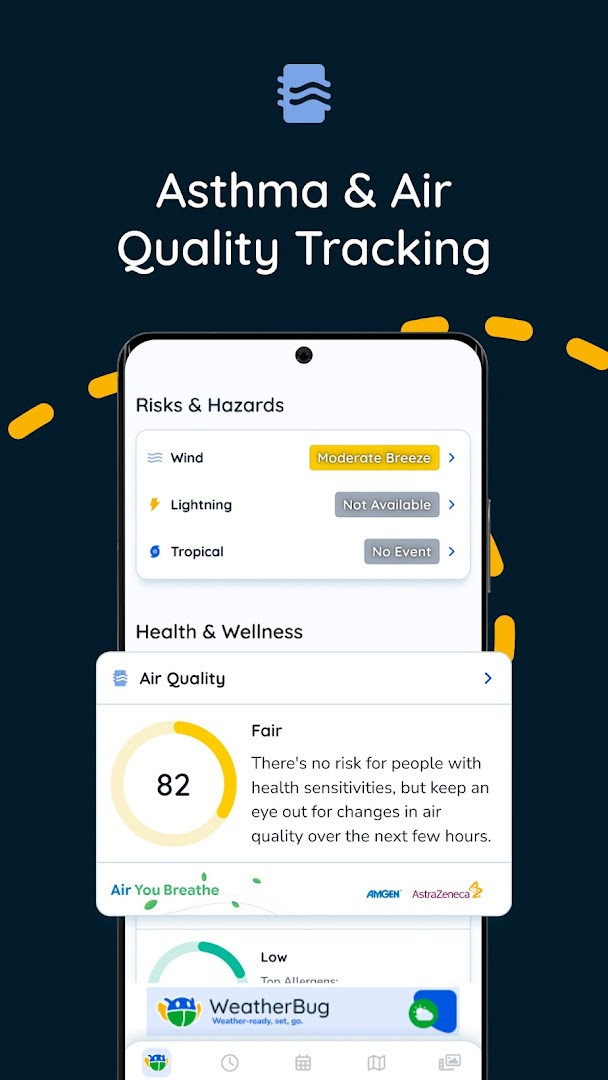
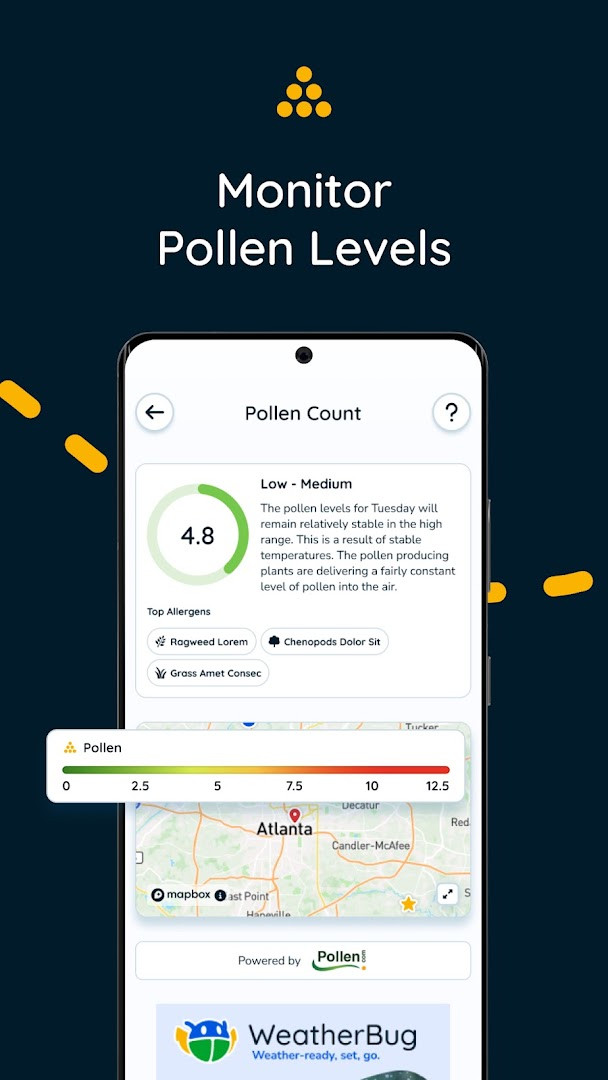
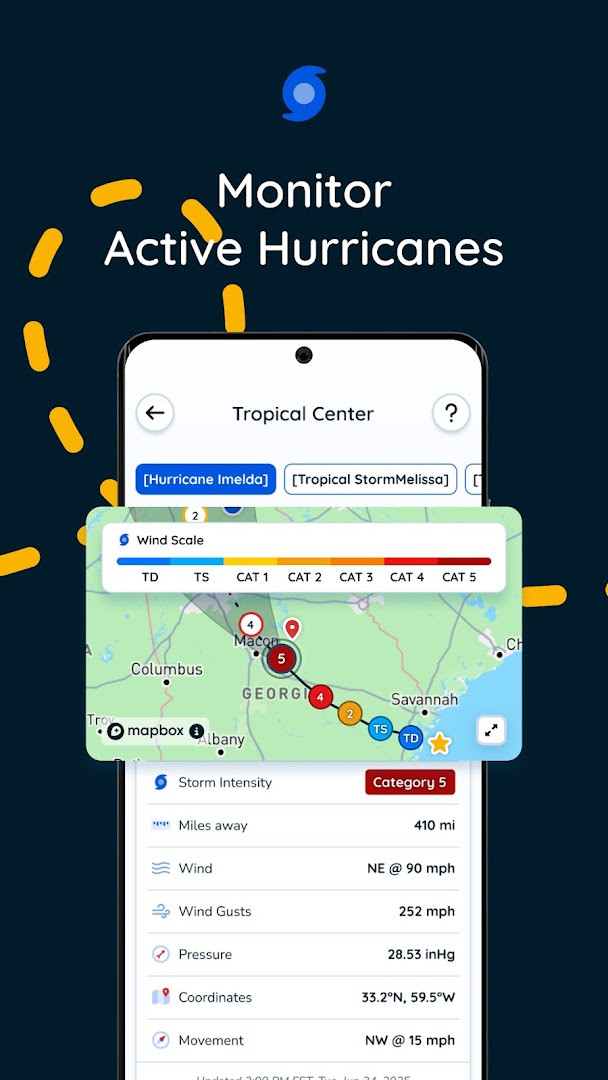
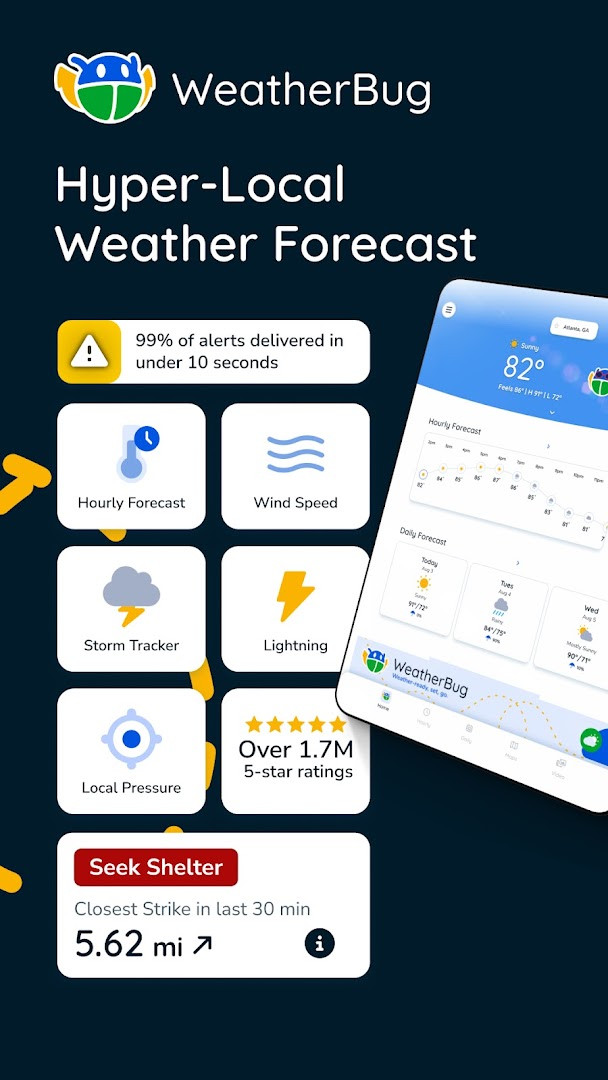
Weather Forecast by WeatherBug is a weather app by WeatherBug that delivers local forecasts, live radar, severe weather alerts, lightning tracking, and related environmental data in one place. It addresses the common problem of juggling multiple sources to answer basic questions like when rain will start, how strong the UV exposure is, or whether a storm is approaching. The app combines National Weather Service forecasts and warnings with its own observation network and interactive radar maps, so users can monitor conditions in real time. It also bundles air quality, pollen, and wildfire information, plus a hurricane tracker, making it a fairly complete daily weather companion rather than a simple forecast screen. With hourly and long-range outlooks, location-based alerts, and customizable display units, it aims to help people plan their day and react quickly to changing conditions.
Key features
- Spark lightning tracker with real-time alerts when strikes occur near your location
- National Weather Service forecasts, watches, warnings, and advisories including tornado, flood, and severe weather notices
- Over 20 interactive radar map layers covering rain, wind, temperature, pollen, pressure, storm tracking, and lightning
- Ten-day forecast plus more than 140 hours of hourly weather outlook
- Hurricane and tropical storm tracker with a seven-day storm forecast and tropics outlook
- Air quality index, pollen counts, allergy forecasts, and global wildfire risk data
- Customizable weather widgets for the home screen with selectable temperature, wind, and pressure units
- Precipitation notifications for expected rain or snow within 15 minutes and within the next 24 hours
How to install
- Tap the download button on this page to get the APK file for version 6.10.0-2.
- When Android prompts you, allow your browser or file manager to install apps by enabling the "Install unknown apps" setting.
- Open the downloaded APK file from your notification or Downloads folder.
- Tap Install and wait for the process to finish; note that the file size was not specified in the listing.
- Open the app from your app drawer and grant the requested permissions when prompted.
- The app requires Android 9 (minimum OS version) or newer to run.
Pros
- Free to download and use
- Broad alert coverage including severe storms, lightning, precipitation, pollen, and air quality
- Rich radar experience with many map layers and storm tracking views
- Useful extras like hurricane tracking, wildfire data, and allergy forecasts
- Widgets and unit customization for quick, personalized access
Cons
- Contains ads, including interest-based advertising
- Offers in-app purchases, mainly for ad-free subscription options
- Requests location and Wi-Fi connection information permissions, and may collect precise location data
- Some users may find the range of alerts and settings overwhelming at first
Recent updates · 6.10.0-2
Weather Forecast by WeatherBug version 6.10.0-2 (released 2026-11-19) includes a few under-the-hood fixes that make checking your local forecast smoother. The update builds on the app's refreshed design and tools, such as live radar, severe storm alerts, lightning tracking, and precipitation outlooks, so you can plan your day with greater ease.
Version history
| Version | Size | Requires Android | Updated |
|---|---|---|---|
| 6.10.0-2 | — | 9 | Nov 19, 2026 |
| 6.9.2-6 | — | 9 | Nov 6, 2026 |
| 5.7.2.17 | 74 MB | 7.1 | Jun 26, 2026 |
| 5.4.5.1 | 72 MB | 4.4 | Jun 22, 2026 |
This app suits people who want more than a basic daily temperature readout. Outdoor sports enthusiasts, golfers, hikers, and pool users can benefit from lightning alerts, while commuters and event planners may appreciate precipitation warnings and severe weather notifications. Allergy sufferers and those concerned about air quality will find pollen and AQI tracking useful, and anyone living in hurricane-prone regions can use the tropical storm tracker. It is also a reasonable choice for travelers who want forecasts and alerts for multiple locations in one app, provided they are comfortable with location-based permissions and ad-supported use.
Take a few minutes to review the alert settings after installation so you only receive notifications that matter to you, such as lightning strikes nearby or precipitation starting soon. You can also switch temperature, wind, and pressure units to match your preferences, and add a widget to the home screen for glanceable conditions without opening the app.
Permissions
FAQ
How do I install the WeatherBug APK on my Android device?
After downloading the APK, open your device settings and allow installations from unknown sources, then open the file and follow the on-screen prompts. The app requires Android 9 or newer.
What is the current version of the app?
The current version is 6.10.0-2, with its latest update released on November 19, 2026. Earlier versions include 6.9.2-6, 5.7.2.17, and 5.4.5.1.
Is WeatherBug free, and does it include ads or purchases?
Yes, the app is free to download and contains ads. It also offers in-app purchases, including optional ad-free subscription options.
Can I use the app offline?
The app listing does not mention offline functionality. Live radar, lightning tracking, and weather alerts rely on an active data connection, and the app requests location and Wi-Fi connection information.
What permissions does WeatherBug request?
WeatherBug requests location and Wi-Fi connection information permissions. It may show interest-based ads and may collect or share precise location data.
Are there alternative apps in the Weather category?
Yes, the Weather category includes other forecasting apps with radar and alert features. You can compare options based on alert types, map layers, customization, and subscription models before choosing.
Weather Forecast by WeatherBug is a feature-rich weather app that works well for people who want forecasts, radar, and safety alerts in one place. It is free and detailed, though ads and in-app purchases are part of the experience, and location access is required for its alert features to work fully.
Similar apps




Updated: Nov 26, 2026