eFootball™: Sports Game
eFootball™ is a sports game by KONAMI that offers digital soccer gameplay with features like player development, stadium customization, and seasonal updates.
Download Now · v11.1.0eFootball™ is a free-to-play sports game optimized for devices running Android 7.0 or higher. The game requires approximately 3.1 GB of free storage space for installation. It involves online multiplayer matches, player development, and season-based updates reflecting real-world football transfers and achievements.
- Version
- 11.1.0
- Requires Android
- 7.0
- Updated
- Oct 6, 2026
- Installs
- 100M+
- Rating
- ★ 4.15 (18,999,853)
- Category
- Sports
- Developer
- KONAMI
- Content rating
- Everyone
- Package
- jp.konami.pesam
- Free
- ✓ · Contains ads · In-app purchases
Screenshots
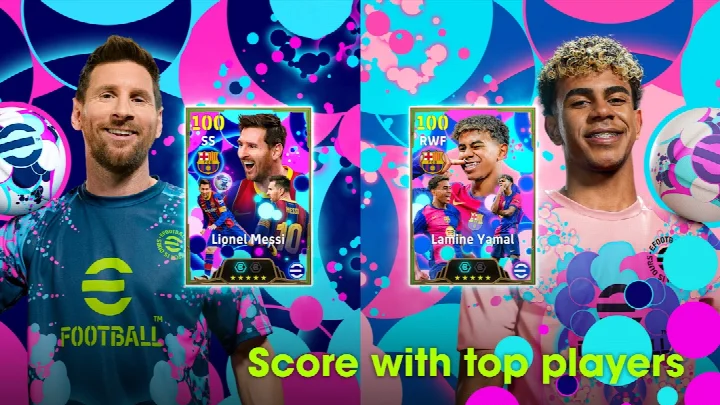
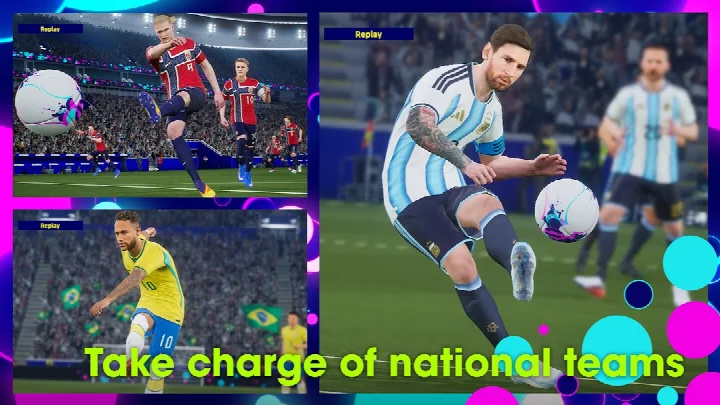
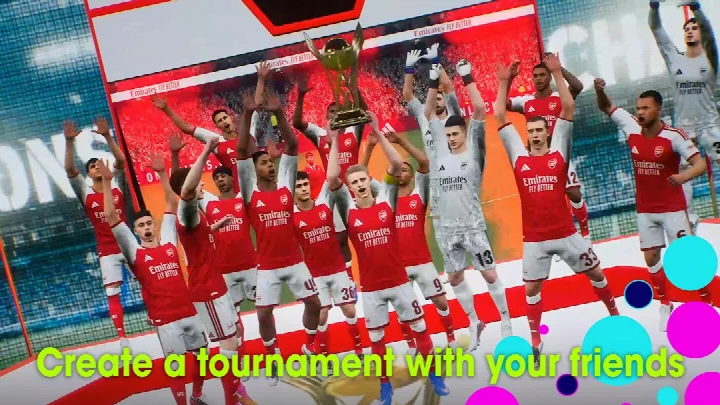

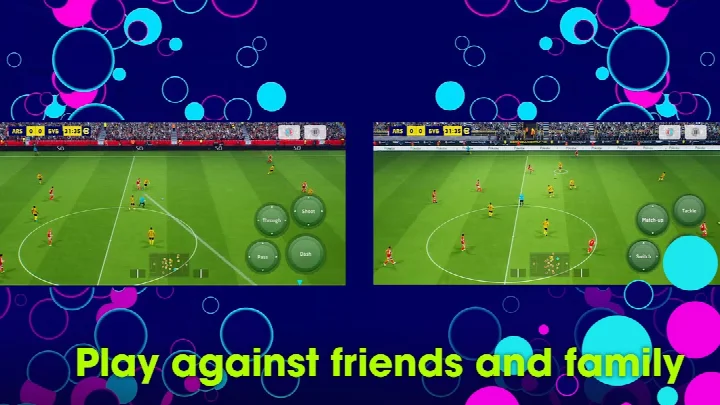
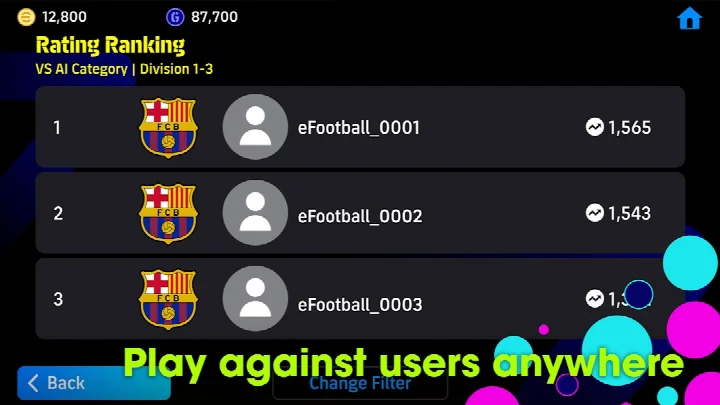
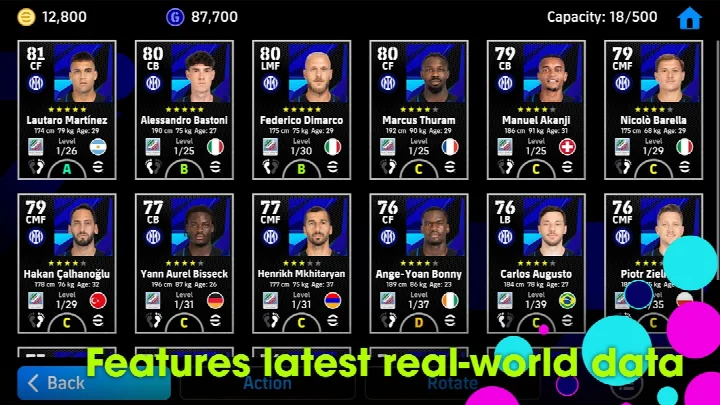
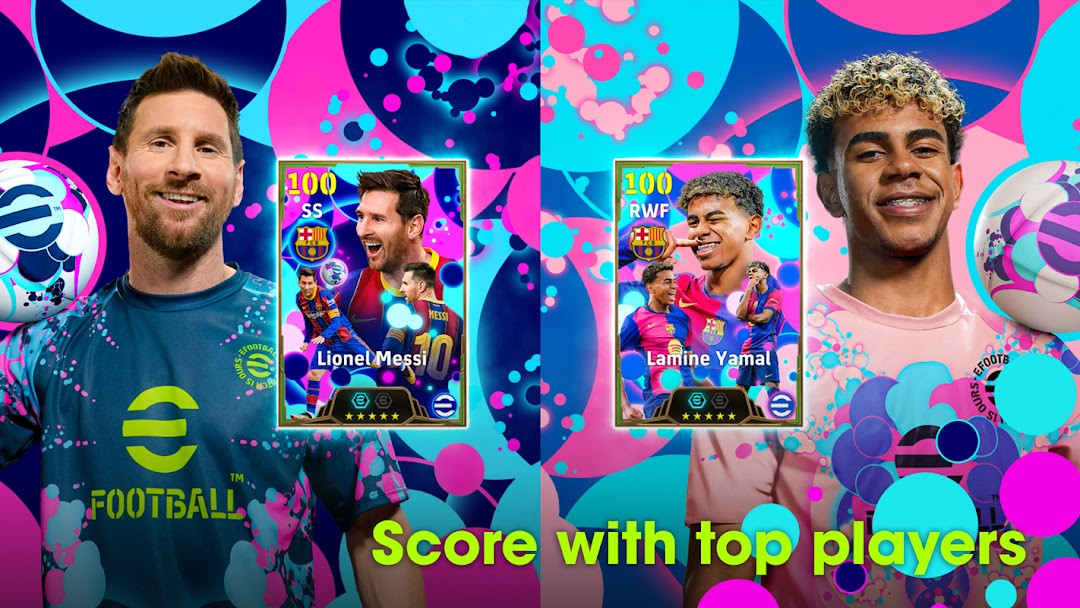
eFootballTM is a sports simulation game by KONAMI that delivers a full soccer experience on Android. It replaces the long-running PES series, offering a next-generation take on digital football. The main challenge it solves is accessibility: newcomers can learn controls through a guided tutorial and use Smart Assist to execute dribbles, passes, and shots without complex input, while veterans get deep player development and weekly live data updates. The game solves the problem of stale rosters by downloading weekly data that reflects real transfers and match achievements, letting you build a team around current soccer events. It also addresses the desire for social play through friend matches and co-op matches with up to three players per side, plus stadium customization with Tifos and Giant Props. With an online requirement and frequent updates, it aims to keep the experience fresh and connected to the real soccer season.
Key features
- Step-by-step tutorial with practical demonstrations that rewards completion with Lionel Messi
- Smart Assist setting that simplifies dribbling, passing, and shooting for newcomers
- Friend Matches and Co-op Matches supporting up to three players per side
- Player development through matches and special items, including an Auto Select option for automatic growth
- Weekly data downloads reflecting real-life player transfers and match achievements
- Stadium customization using Stadium Elements such as Tifos and Giant Props
- Select Skill Token and Select Position Token features for targeted player training
- Sort managers in My Team by an Order of Signing option
How to install
- Tap the download button on this page to get the APK file.
- When Android asks, allow your browser or file manager to install apps by enabling the 'Install unknown apps' setting.
- Open the downloaded APK file from your notifications or file manager.
- Tap Install and wait for the installation to complete.
- Open the app from your home screen or app drawer. Note that the file size is approximately 3.1 GB of free storage space, and the minimum Android version required is 7.0.
Pros
- Free to download and play
- Tutorial and Smart Assist make it easy for beginners
- Weekly data updates keep rosters current
- Co-op and friend matches enhance social play
- Stadium customization adds personal expression
- Targeted skill and position training options
Cons
- Contains ads
- In-app purchases are present
- Requires an internet connection to play
- Needs approximately 3.1 GB of free storage space
- Permissions include access to photos/media/files and storage
Recent updates · 11.1.0
This update introduces two new training options: Select Skill Token and Select Position Token, allowing you to choose which skill or position to develop for a player. Managers in My Team can now also be sorted by their order of signing. In addition, various in-game data has been refreshed and several other fixes were applied. For more details, check the News section inside the game.
Version history
| Version | Size | Requires Android | Updated |
|---|---|---|---|
| 11.1.0 | — | 7.0 | Oct 6, 2026 |
This app is suited for soccer fans who want a mobile game that tracks the real-world season, from casual players who benefit from the guided tutorial and Smart Assist to more dedicated users who enjoy developing players and customizing their stadium. It also appeals to those who like playing with friends, given the co-op and friend match modes, and to anyone who prefers a free-to-play title with optional purchases and periodic content updates.
Use a Wi-Fi connection to download the base game and updates, as the file size is large and data-heavy. Complete the tutorial early to earn Lionel Messi, and explore the Auto Select setting if you want to develop players without manual effort.
Permissions
FAQ
Is eFootballTM free to download and play?
Yes, eFootballTM is free to download and play. The app is offered at no cost, though it does include ads and offers in-app purchases.
What Android version do I need to run eFootballTM?
eFootballTM requires Android 7.0 or higher. Make sure your device meets this minimum version before installing.
How much storage space does eFootballTM need?
You will need approximately 3.1 GB of free storage space to download and install eFootballTM. It is recommended to use a Wi-Fi connection for the download.
Does eFootballTM require an internet connection or an account?
An internet connection is required to play eFootballTM, and a stable connection is strongly recommended. An account is needed to access online features and save your progress.
What permissions does eFootballTM request?
eFootballTM requests access to Photos/Media/Files, Storage, and Wi-Fi connection information. These permissions are used for game data and connectivity.
How do I update eFootballTM to the latest version?
To update eFootballTM, download the newest version available on this page and install it over your current version. The latest version listed is 11.1.0, updated on 2026-10-06.
eFootballTM delivers a comprehensive mobile soccer experience with strong accessibility features and live data integration. It is a solid choice for both newcomers and seasoned players, though the online requirement and storage footprint are worth considering before downloading.
Similar apps




Updated: Nov 8, 2026