
Sudoku.com - Sudoku Puzzle: classic number puzzle game
Sudoku.com - Sudoku Puzzle is a free puzzle game by Easybrain that offers over 10,000 classic number challenges for brain training.
Download Sudoku.com · v7.10.0Sudoku.com - Sudoku Puzzle provides 10,000+ puzzles across six difficulty levels, from easy to expert and giant, with features like hints, auto-check, and duplicate highlighting. It suits both beginners and advanced players, supports offline play on phones and tablets, and is free with ads and in-app purchases.
- Version
- 7.10.0
- Requires Android
- 8.0
- Updated
- Nov 23, 2026
- Installs
- 100M+
- Rating
- ★ 4.73 (2,546,327)
- Category
- Puzzle
- Developer
- Easybrain
- Content rating
- Everyone
- Package
- com.easybrain.sudoku.android
- Free
- ✓ · Contains ads · In-app purchases
Screenshots
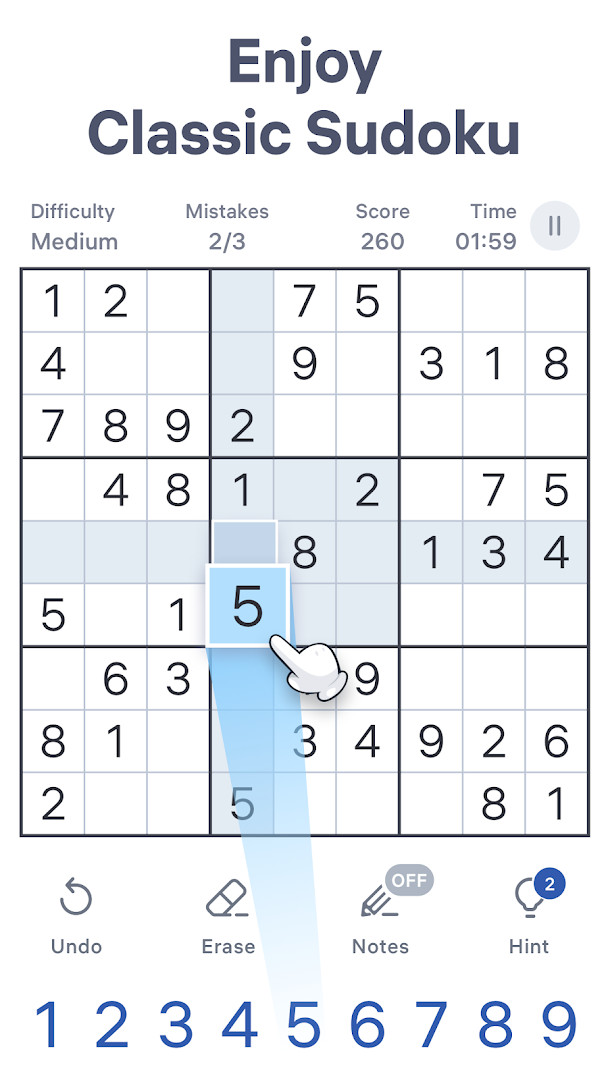
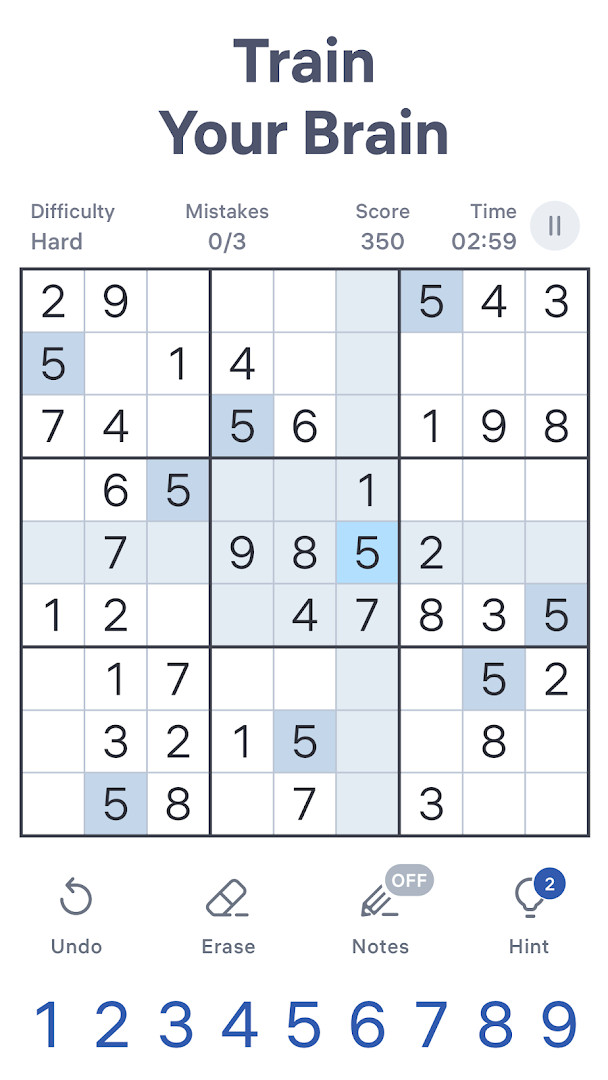

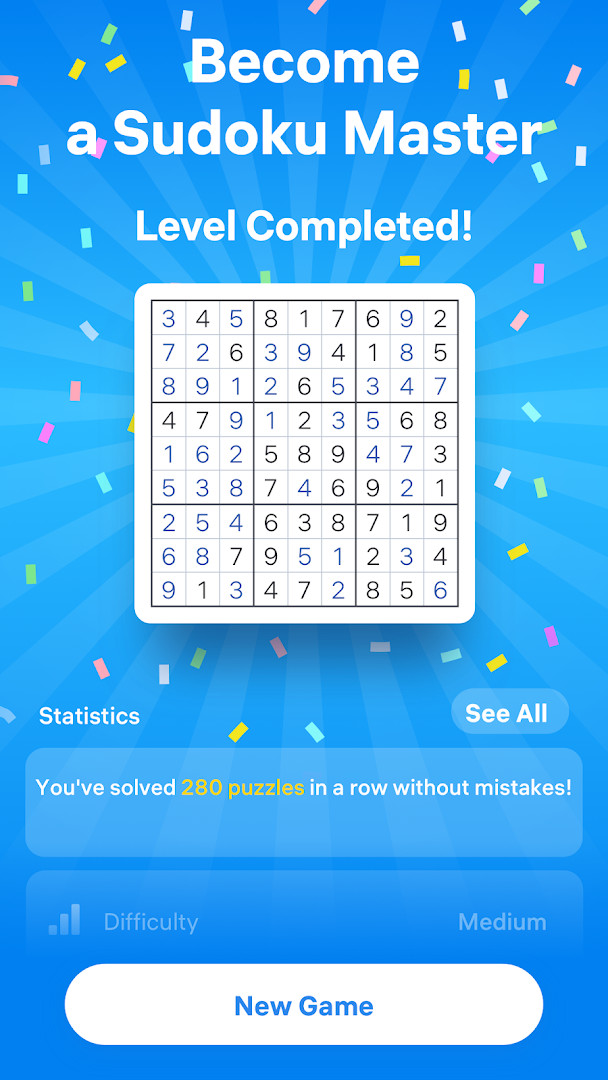
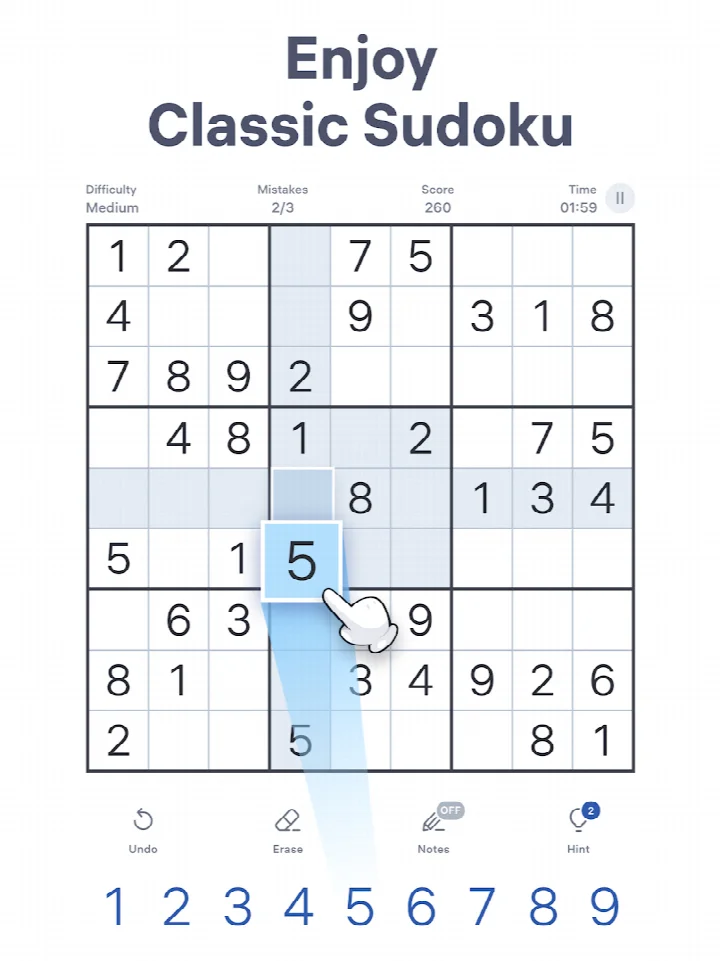
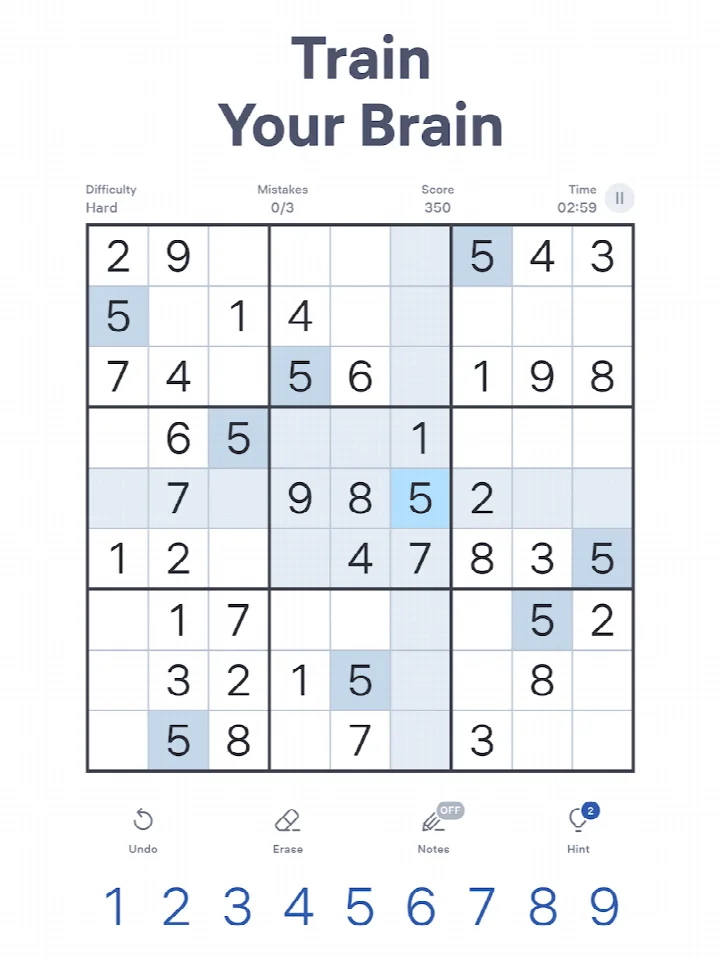
Sudoku.com - Sudoku Puzzle is a puzzle game by Easybrain that delivers classic 9x9 number-grid logic puzzles on Android devices. The app contains more than 10,000 well-formed grids and organizes them into six difficulty levels, from fast and easy through medium and hard up to expert and giant puzzles. This structure makes it practical both for people who want a quick mental warm-up and for players who prefer long, demanding solving sessions.
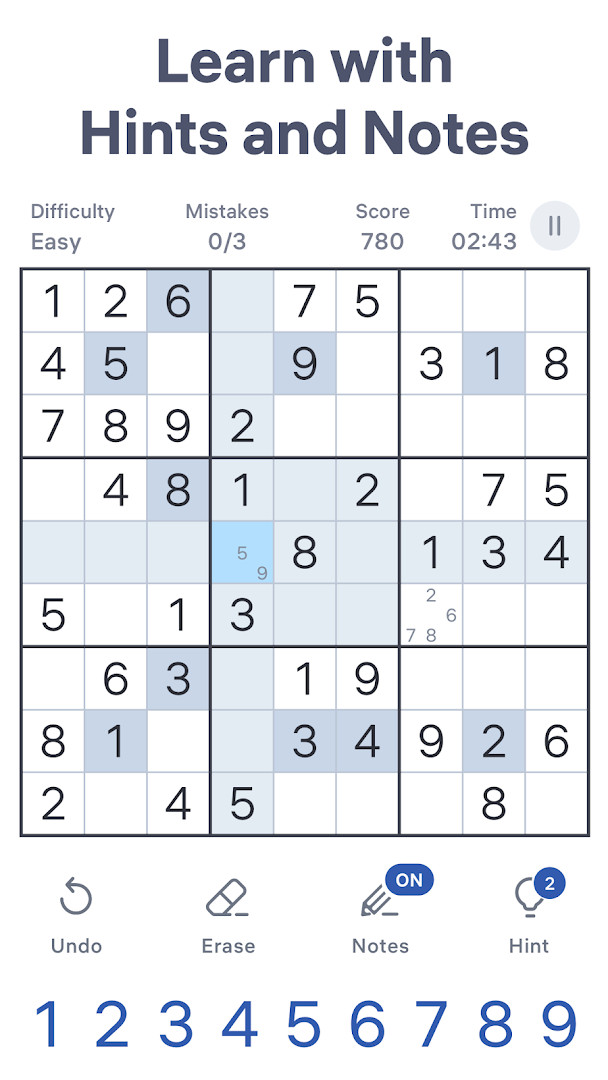
Beyond the core puzzles, the app adds daily challenges that award unique trophies and seasonal events that grant medals. A set of in-game tools simplifies play: hints provide guidance when stuck, Auto-Check reveals mistakes immediately, Notes mimic pencil entries and refresh automatically, duplicate highlighting prevents repeated numbers in rows, columns, and blocks, and the eraser removes erroneous entries. Unlimited undos and auto-save let players correct or resume games without losing progress.
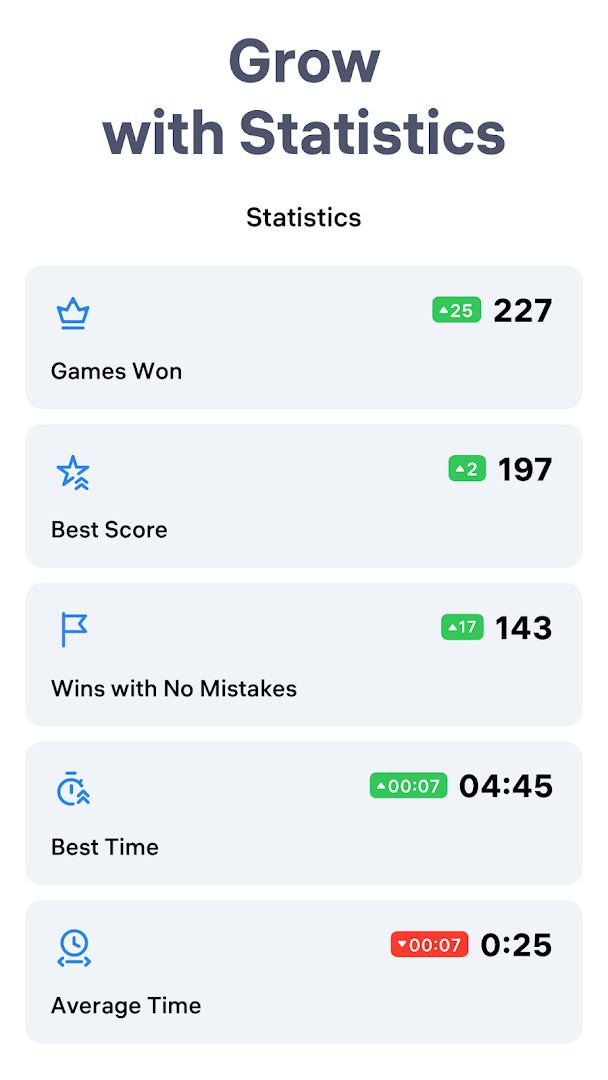
Statistics track best times and achievements for each difficulty level, and the interface highlights the row, column, and box related to the selected cell. The game works offline, supports both phones and tablets, and offers portrait and landscape orientation on tablets. It is aimed at everyone from first-time solvers to advanced players who want expert or giant challenges.
Key features
- More than 10,000 classic well-formed 9x9 puzzles
- Six difficulty levels: fast, easy, medium, hard, expert, and giant
- Daily Sudoku Challenges that award unique trophies
- Seasonal Events where solving puzzles earns unique medals
- Auto-Check to display mistakes as you play
- Notes that are updated automatically when a cell is filled
- Duplicate highlighting for rows, columns, and blocks
- Hints for guidance when stuck, plus an eraser and unlimited undos
- Statistics per difficulty level, covering best times and achievements
- Auto-save, offline play, and phone and tablet support with portrait and landscape modes for tablets
How to install
- Tap the download button on this page to get the APK file (file size: n/a; requires Android 8.0 or newer).
- If Android asks for permission, allow your browser or file manager to install apps by enabling the 'Install unknown apps' setting.
- Open the downloaded APK file once the download completes.
- Tap Install and wait for the installation to finish.
- Open the app from your app list and start solving puzzles.
Pros
- Free to download and play
- Playable offline, so no connection is needed during a game
- Large library with more than 10,000 puzzles
- Six difficulty levels suit beginners through advanced solvers
- Helpful tools: hints, notes, auto-check, duplicate highlighting, eraser, and unlimited undo
- Daily challenges and seasonal events provide ongoing goals
Cons
- Contains ads
- Offers in-app purchases
- Requests access to photos, media, and files, as well as Wi-Fi connection information
Recent updates · 7.10.0
Version 7.10.0 introduces exciting tournaments where you can compete for the top spot, along with performance and stability improvements to keep the game running smoothly.
Version history
| Version | Size | Requires Android | Updated |
|---|---|---|---|
| 7.10.0 | — | 8.0 | Nov 23, 2026 |
| 7.9.0 | — | 8.0 | Sep 4, 2026 |
The app suits both beginners and experienced solvers: casual players can enjoy easy and fast puzzles, while those seeking a real challenge can tackle hard, expert, and giant grids. Offline support also makes it a good fit for commuters, travelers, and anyone who wants a dependable brain-training break throughout the day.
Start with fast or easy puzzles to learn the interface, then move to harder grids once your times improve. Use Notes on expert and giant levels, leave Auto-Check off if you want to find mistakes yourself, and rely on unlimited undos after accidental entries. The daily challenge is a convenient way to build a solving routine.
Permissions
FAQ
How many puzzles and difficulty levels does Sudoku.com have?
The app offers more than 10,000 classic, well-formed number puzzles on a 9x9 grid. There are six difficulty levels: fast, easy, medium, hard, expert, and giant, so both beginners and advanced players can find a suitable challenge.
Can I play Sudoku.com without an internet connection?
Yes, the game is available offline. You can take your favorite number game with you and play the puzzles at any time, even when you are not connected.
What in-game tools help with solving the puzzles?
The app includes hints, auto-check, duplicate highlighting, automatic notes, unlimited undos, an eraser, and highlighting of the row, column, and box related to your selected cell. Each classic puzzle is designed to have one solution.
What happens if I leave a game unfinished?
The app auto-saves your game, so an unfinished puzzle is saved and you can continue anytime. Your statistics also track best times and other achievements for each difficulty level.
What is the current version and minimum system requirement?
The latest version is 7.10.0, updated on 2026-11-23, and it requires Android 8.0 or higher. The app is free, contains ads, and offers in-app purchases.
Sudoku.com - Sudoku Puzzle is a solid choice for anyone wanting a dependable, offline-capable sudoku experience, with enough depth to grow from beginner to expert and enough variety to keep long-term players engaged.
Similar apps








Updated: Nov 27, 2026