
Perfect Viewer for Android
Perfect Viewer is a comics and image viewer from Rookie001 for reading comics, ebooks, and images on Android.
Download Perfect Viewer · v5.0.4.5Perfect Viewer is for people who read comics, ebooks, and image files on Android and want an account-free viewer for local content. Perfect Viewer is free, has no ads, requires Android 4.4 or newer, and takes about 15 MB.
- Version
- 5.0.4.5
- Size
- 15 MB
- Requires Android
- 4.4
- Updated
- Mar 12, 2026
- Installs
- 5M+
- Rating
- ★ 4.34 (57,568)
- Category
- Comics
- Developer
- Rookie001
- Content rating
- Everyone
- Package
- com.rookiestudio.perfectviewer
- Free
- ✓
Screenshots
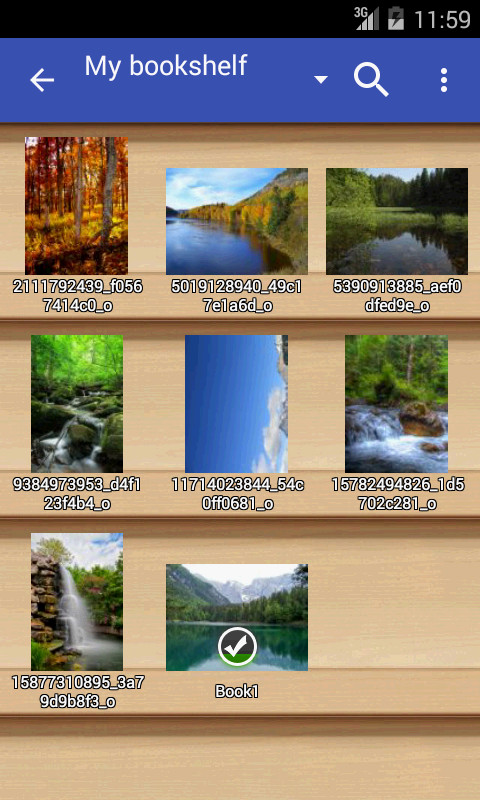
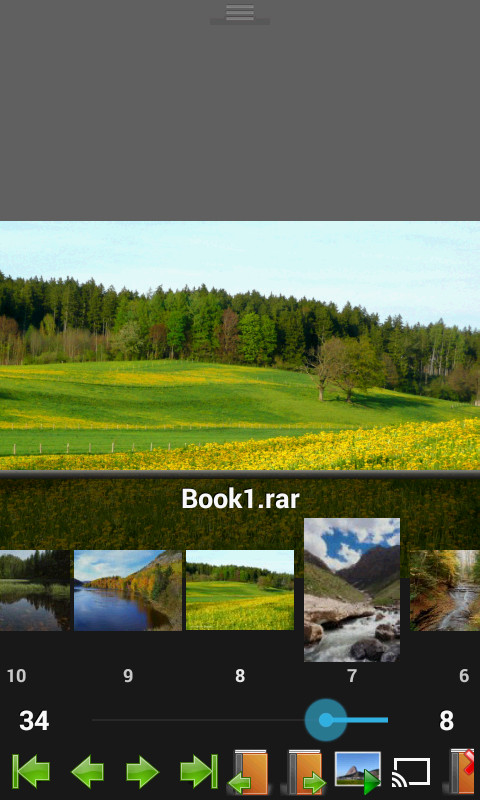
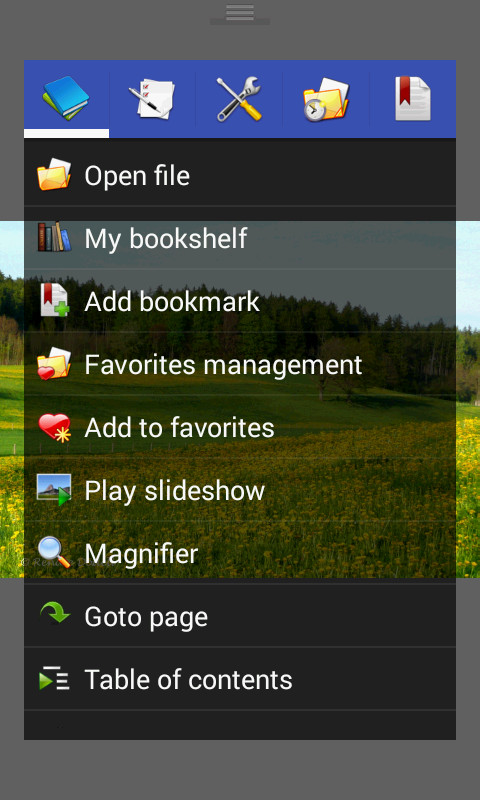
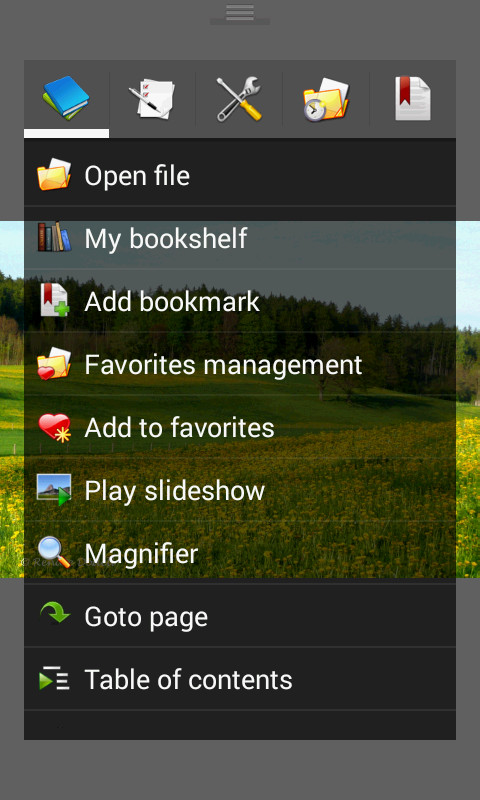
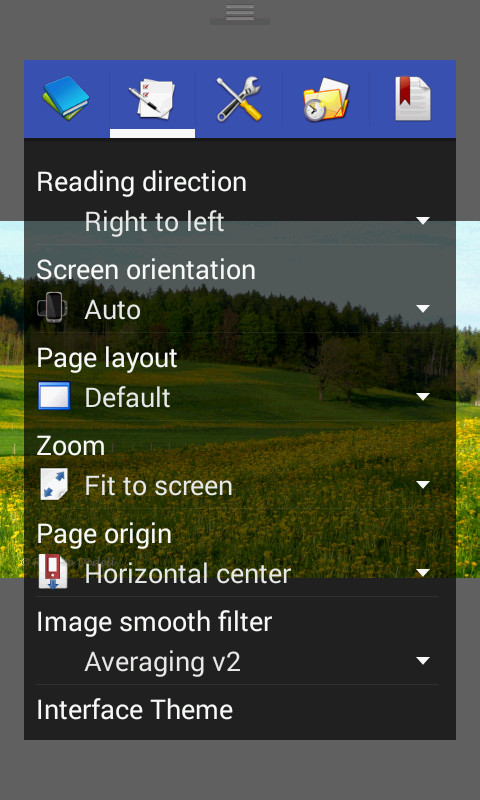
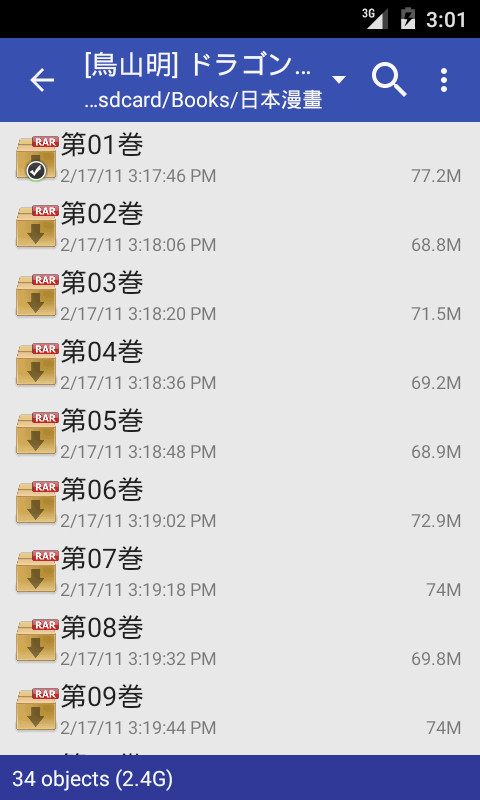
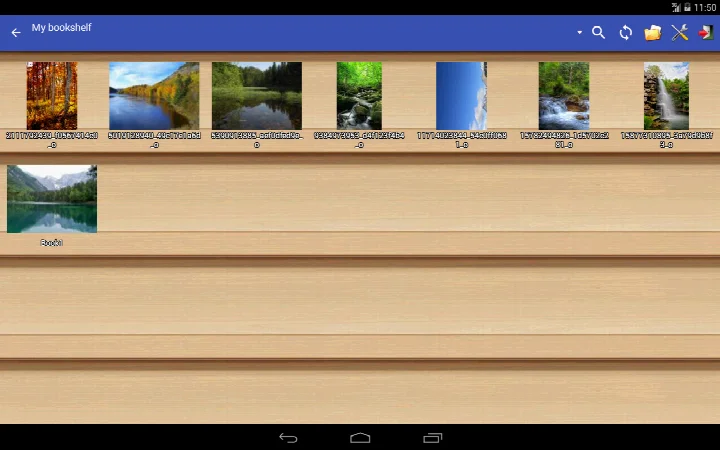
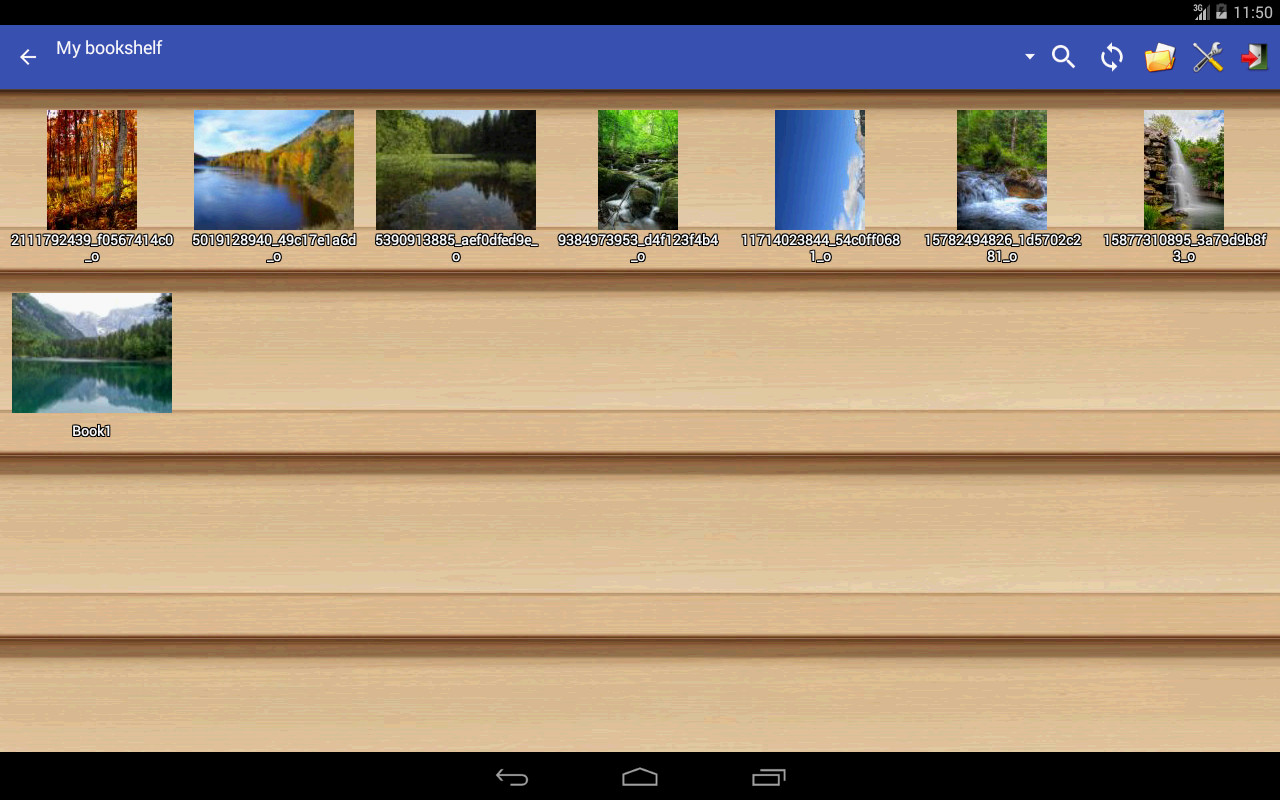
Perfect Viewer is a comic and image viewer by Rookie001 that focuses on fast rendering while supporting many popular file types. The app reads image formats such as JPEG, PNG, GIF, BMP, WebP, and TIFF, and it can open archives like CBZ/ZIP, CBR/RAR, 7Z/CB7, LZH, and CBT/TAR, so readers can browse comic collections without converting files first. Ebook formats including EPUB, HTML, and TXT are also supported, and PDF, XPS, and DJVU files can be opened after installing the companion PDF plugin.
The viewer offers several page layouts, including automatic single or dual page switching based on screen orientation, as well as three reading modes: page mode, vertical scroll, and horizontal scroll. Smoothing filters such as Averaging, Bilinear, Bicubic, and Lanczos3 help improve image quality, while five view modes adapt the display to original size, screen width, screen height, screen fit, or a fixed scale. Reading direction can be set from left to right or right to left, which is handy for manga and other right-to-left material.
Network users can load files from CIFS/SAMBA shares, FTP, SFTP, FTPS, and OPDS catalogs, and cloud sources like Google Drive, Dropbox, and OneDrive work through a separate source plugin. The app was updated in March 2026 to fix back button behavior on Android 15 devices. It requires Android 4.4 or newer and the installation file is about 15 MB.
Key features
- Supports image formats JPEG, PNG, GIF, BMP, WebP, and TIFF
- Opens archives including CBZ/ZIP, CBR/RAR, 7Z/CB7, LZH, and CBT/TAR
- Reads ebook formats EPUB, HTML, and TXT, plus PDF, XPS, and DJVU via a plugin
- Automatic single or dual page layout that switches with screen orientation
- Three viewer modes: page mode, vertical scroll mode, and horizontal scroll mode
- Smoothing filters: Averaging, Bilinear, Bicubic, and Lanczos3
- Left-to-right and right-to-left reading directions
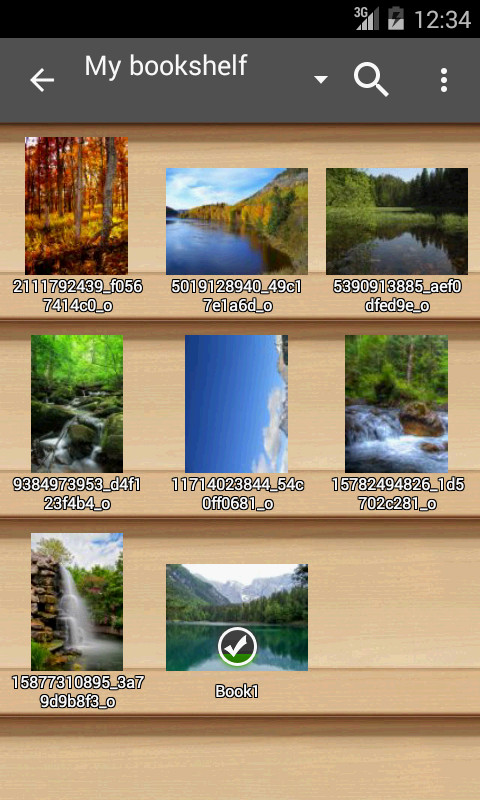
- Thumbnail browsing in folders and archives, bookshelf, bookmarks, and favorites management
- Pinch-to-zoom and fling gestures, slideshow, wallpaper setting, and auto crop of white borders
- Network access to CIFS/SAMBA, FTP, SFTP, FTPS, and OPDS, with cloud sources through a plugin
How to install
- Tap the download button on this page to receive the approximately 15 MB APK file.
- When Android asks for permission, allow your browser or file manager to install apps by enabling the Install unknown apps setting for that app.
- Open the downloaded APK file from your notifications or downloads folder.
- Tap Install in the system prompt and wait for the installation to complete.
- Open Perfect Viewer from your apps list; the app requires Android 4.4 or newer.
Pros
- Free to download with no ads and no in-app purchases
- Supports a very wide variety of image, archive, and ebook formats
- Fast rendering with several smoothing filters to improve image quality
- Flexible page layouts and reading directions suit comics and manga
- Network and cloud file access for collections stored on servers or online drives
Cons
- Requests several permissions, including contacts, microphone, and storage, which may seem broad for a viewer
- PDF, XPS, and DJVU support requires installing a separate plugin
- Some extra features, such as colorizing black-and-white images, are reserved for donors
Recent updates · 5.0.4.5
Version 5.0.4.5, released on March 12, 2026, addresses a problem with the back button on devices running Android 15 or newer. The update is aimed at making navigation behave as expected on those systems.
Version history
| Version | Size | Requires Android | Updated |
|---|---|---|---|
| 4.5.1.1 | 11 MB | — | Apr 19, 2026 |
| 5.0.4.4 | 13 MB | 4.0 | Mar 16, 2026 |
| 5.0.4.5 | 15 MB | 4.4 | Mar 12, 2026 |
| 5.0.4.3 | 13 MB | 4.0 | Dec 14, 2024 |
Comic and manga readers, plus anyone who wants a fast viewer for image archives, scanned books, and ebook files on an Android device.
Install the PDF or cloud-source plugin in advance if you plan to use those formats. On older devices, switching to a simpler smoothing filter can make page turns quicker. Try automatic dual page mode when reading two-page spreads.
Permissions
FAQ
Is Perfect Viewer free to use?
Yes, Perfect Viewer is free, with a price of 0.00 USD. It contains no ads and no in-app purchases.
Which Android version is required?
Perfect Viewer requires Android 4.4 or higher. The current version is 5.0.4.5, updated on March 12, 2026.
How large is the download file?
The app file is about 15 MB in size.
Do I need to create an account to use it?
No account is required to use the core viewer. Some optional cloud storage features may ask for account permissions if you enable them.
What permissions does it ask for?
It requests Identity, Contacts, Photos/Media/Files, Storage, and Microphone permissions. These support features like network file sharing and cloud storage plugins.
How can I update Perfect Viewer?
To update, simply download the newest version from this page. The latest available build here is version 5.0.4.5.
Overall, Perfect Viewer is a practical choice for reading comics, scans, and ebooks on Android. Its broad format support and flexible reading options are easy to pick up, while the plugin system extends its usefulness to PDF files and cloud storage.
Similar apps
 WEBTOON: Manga, Comics, ManhwaNAVER WEBTOON4.6
 WASticker-Sticker for WhatsAppOffice Tools.4.4
 MANGA Plus by SHUEISHA株式会社 集英社3.7
 Tapas – Comics and NovelsTapas Entertainment Inc.4.2
 WebComics - Webtoon & MangaWEBCOMICS HOLDINGS HK LIMITED4.4
 ピッコマ-人気漫画や話題のコミックが毎日読めるマンガアプリKakao piccoma Corp.4.4
 네이버 웹툰 - Naver WebtoonNAVER WEBTOON4.3
 MangaToon: Comic & MangaMangaToon4.3
Updated: Nov 24, 2026