
ComicScreen - PDF, ComicReader: Comic and image file manager
ComicScreen - PDF, ComicReader is a comic and image viewer by InstSoft that opens compressed cbr, cbz, zip, rar and pdf files and shows jpg, png, gif and other image formats.
Download ComicScreen · v2309ComicScreen - PDF, ComicReader is a free Android app for organizing and viewing comics and images, with file explorer tools like search, rename, delete, drag and drop, plus USB-OTG, SMB and FTP support. It suits readers who want smooth scrolling, bookmarks, two-page horizontal or single-page vertical modes, chapter drawers and margin cutting.
- Version
- 2309
- Requires Android
- 8.0
- Updated
- Nov 4, 2026
- Installs
- 5M+
- Rating
- ★ 4.69 (92,747)
- Category
- Comics
- Developer
- InstSoft
- Content rating
- Everyone
- Package
- com.viewer.comicscreen
- Free
- ✓ · Contains ads · In-app purchases
Screenshots
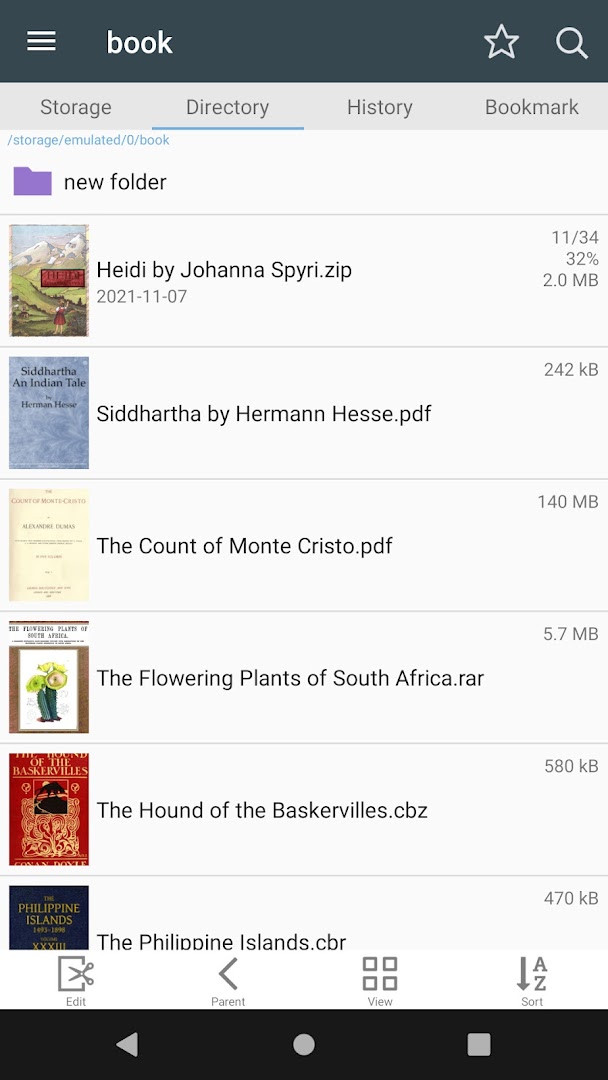
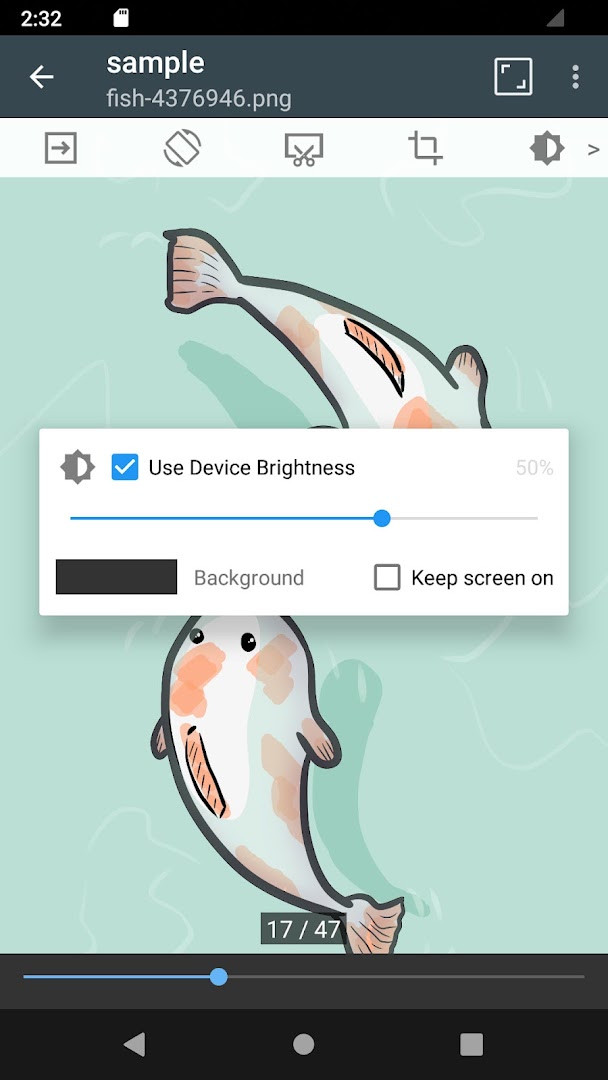
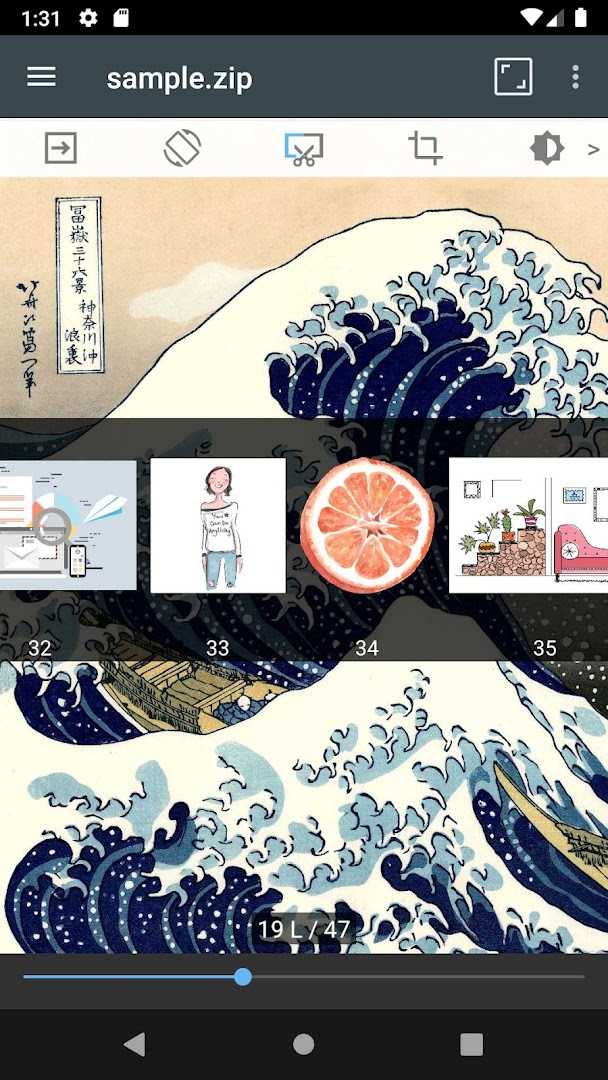
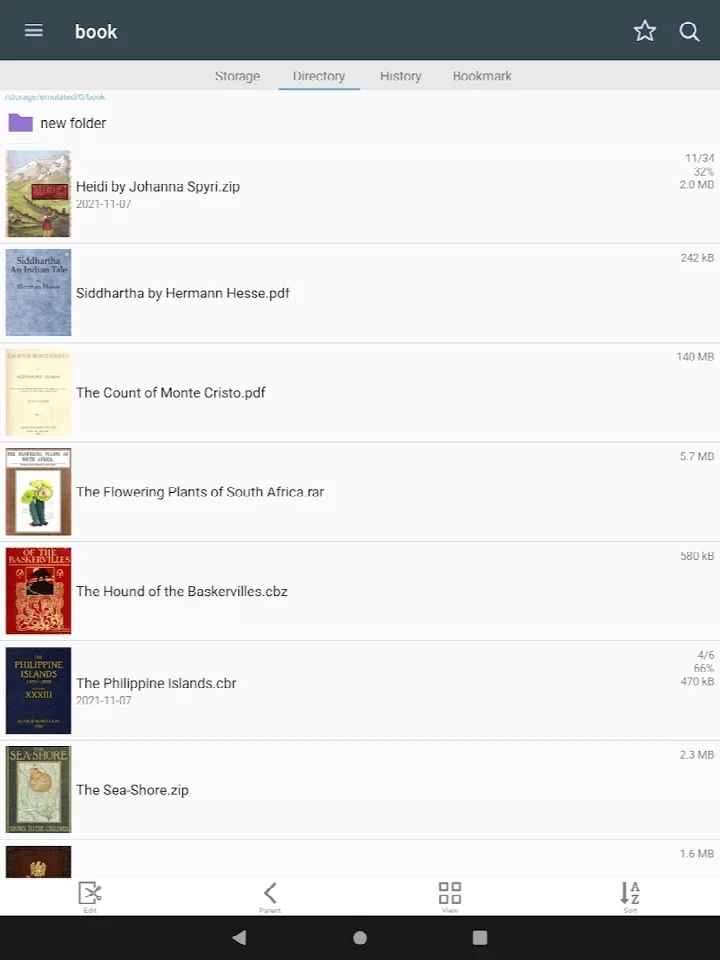
ComicScreen - PDF, ComicReader is a comic and image viewing utility by InstSoft that combines file management with reading tools for compressed comic archives and PDF documents. The app lets you browse folders on your device, rename or delete files, and open comic book formats such as CBR and CBZ, as well as standard PDF files. It also handles individual image formats like JPG, PNG, GIF, BMP, TIFF, WebP, and AVIF, making it a practical tool for organizing and reading visual content from a single interface.
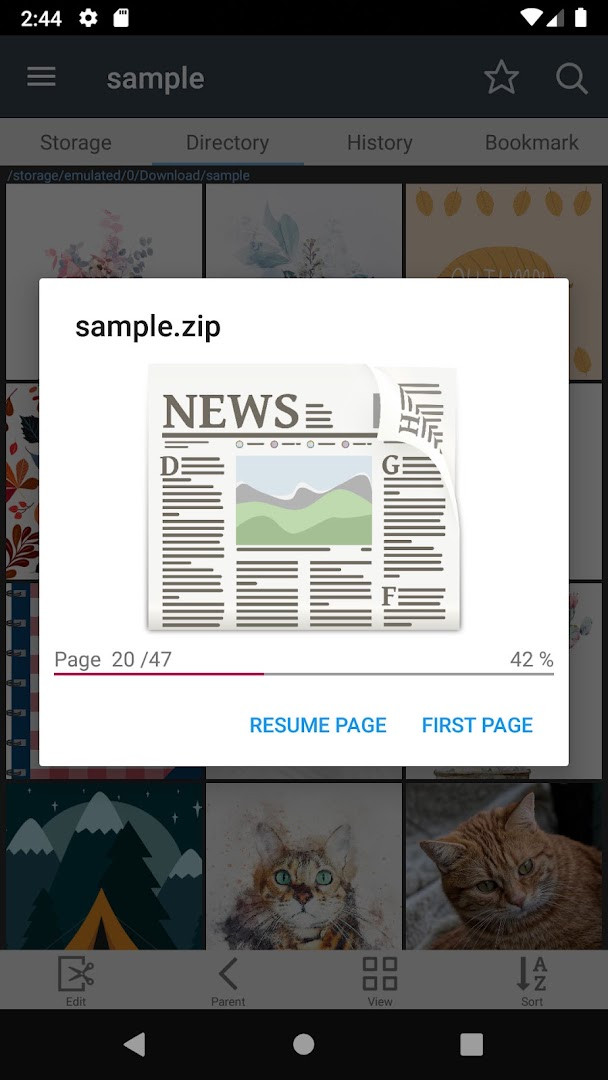
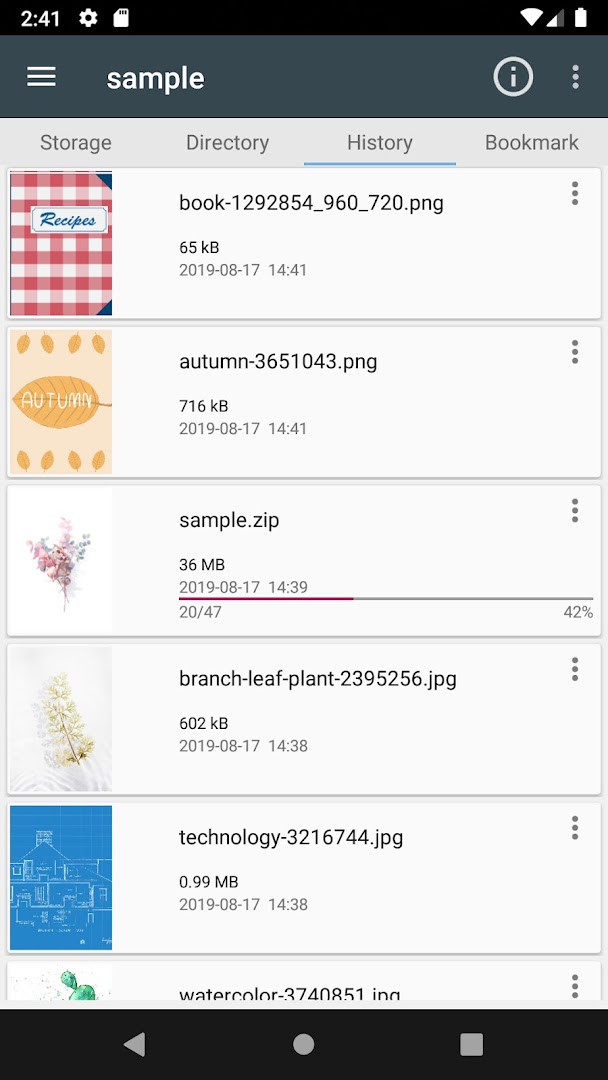
The core workflow centers on an integrated file explorer that supports searching, renaming, and deleting entries, along with drag-and-drop operations for files and folders. For users with external hardware, the app includes USB-OTG drive support and network access via SMB and FTP, so you can pull comics from a home server or a portable drive. Inside a folder, the app lists all images and lets you scroll through them smoothly, with additional conveniences like bookmark previews, quick ZIP viewing, and automatic page resorting.
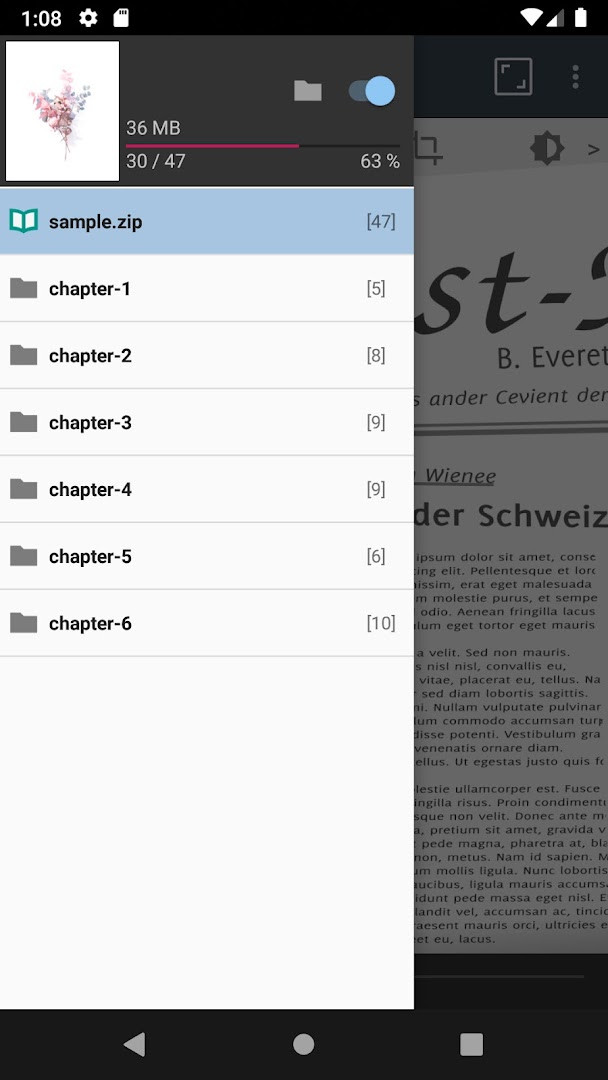
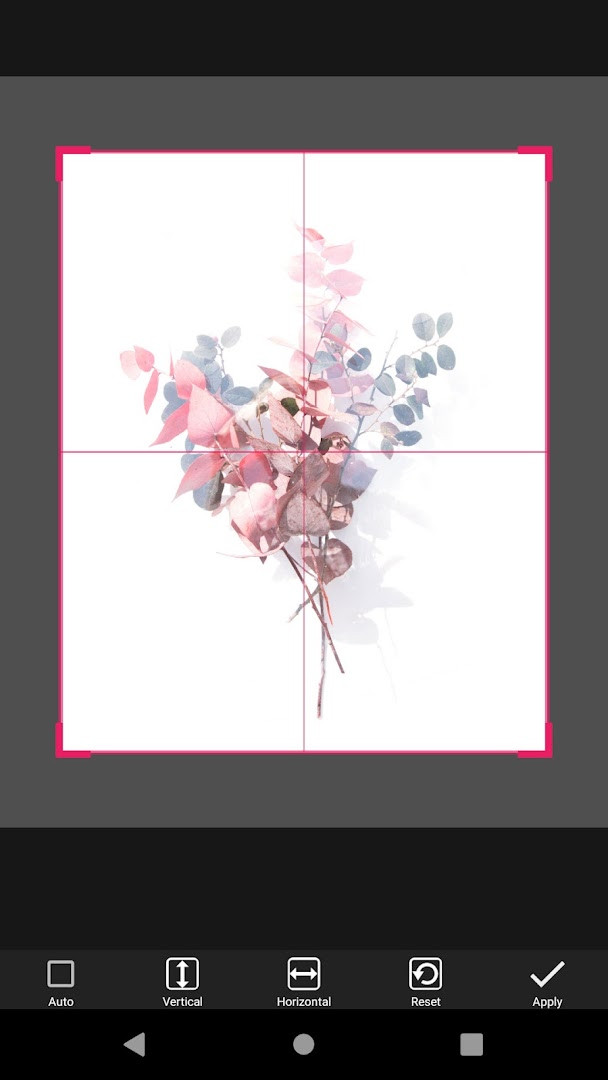
Reading modes include horizontal two-page display and vertical single-page layout, with a chapter drawer that appears when a folder inside a ZIP contains multiple chapters. The app also offers margin cutting and page navigation via hardware keys, which is useful for devices with physical buttons. Because it focuses on management and display, the app does not include embedded images or compressed files of its own; it works with content you already have.
With over five million installs and a 4.71 rating from more than 92,000 reviews, the app has been in active development since its 2014 release, with the latest update arriving in October 2026. It requires Android 8.0 or newer and is free, though it contains ads and offers in-app purchases.
Key features
- Supports compressed file types: ZIP, RAR, CBZ, CBR, and PDF
- Supports image formats: JPG, PNG, GIF, BMP, TIFF, WebP, and AVIF
- Folder and file explorer with search, rename, and delete options
- USB-OTG drive support for external storage
- SMB and FTP network access
- Drag-and-drop for files and folders
- Smooth image scrolling and list view of images in folders
- Bookmark preview and page move preview
- Horizontal view mode with two pages and vertical view mode with one page
- Automatic page resort and chapter drawer for folders inside ZIP files
How to install
- Tap the download button on this page to get the APK file; the file size is not specified for this version.
- When Android prompts you, allow your browser or file manager to install apps by enabling the "Install unknown apps" setting for that app.
- Open the downloaded APK file from your notification bar or file manager.
- Tap Install on the confirmation screen and wait for the installation to finish.
- Open the app from your app drawer or home screen.
- Ensure your device runs Android 8.0 or newer, as this is the minimum operating system version required.
Pros
- Wide range of supported archive and image formats, including AVIF
- Built-in file explorer with search, rename, and delete functions
- USB-OTG, SMB, and FTP support for flexible file access
- Multiple reading modes including two-page horizontal and one-page vertical
- Useful extras like bookmark preview and chapter drawer
- Free to use with a high user rating
Cons
- Contains ads and offers in-app purchases
- Requires storage and photos/media/files permissions to access your content
- No built-in images or compressed files included; you must supply your own content
Recent updates · 2309
Version 2309 of ComicScreen - PDF, ComicReader brings an improved AVIF decoding experience. This update enhances the handling of AVIF images within the app, contributing to a smoother viewing of comics and pictures.
Version history
| Version | Size | Requires Android | Updated |
|---|---|---|---|
| 2309 | — | 8.0 | Nov 4, 2026 |
ComicScreen is aimed at comic readers and image collectors who want a single tool to manage, browse, and view CBR, CBZ, PDF, and common image files on Android, especially those who keep libraries on USB drives or network shares.
For best results, keep your comic files in a structured folder layout so the chapter drawer and automatic page resorting work smoothly. If you use a hardware keyboard or device with physical keys, assign page navigation to those keys for quicker reading. When opening large archives, give the app a moment to index the contents, and use the bookmark preview to jump back to where you left off.
Permissions
FAQ
Is ComicScreen free to download?
Yes, ComicScreen is free to use; its listed price is $0.00. Keep in mind that the app contains ads and offers in-app purchases.
Which Android versions does ComicScreen support?
The minimum required Android version is 8.0. The current version listed is 2309, released on 2026-10-07.
What is the file size of the app?
The file size is not specified in the available listing information on this page, so no exact size is stated.
Does ComicScreen require an account to use?
The available listing information does not mention any account requirement, so no account appears necessary for using the app.
What permissions does ComicScreen request?
ComicScreen requests Photos/Media/Files and Storage permissions. These are used to access and manage image, comic, and document files on your device.
How do I update ComicScreen?
To update, download the newest version (2309, dated 2026-10-07) from this page and install it over your existing version. This will replace the older installation with the updated one.
ComicScreen - PDF, ComicReader delivers a solid combination of file management and comic reading in one free package. Its broad format support, network and OTG connectivity, and thoughtful reading features make it a dependable choice for Android users who want to organize and enjoy their digital comic collections without switching between multiple apps.
Similar apps
 WEBTOON: Manga, Comics, ManhwaNAVER WEBTOON4.6
 WASticker-Sticker for WhatsAppOffice Tools.4.4
 MANGA Plus by SHUEISHA株式会社 集英社3.7
 Tapas – Comics and NovelsTapas Entertainment Inc.4.2
 WebComics - Webtoon & MangaWEBCOMICS HOLDINGS HK LIMITED4.4
 ピッコマ-人気漫画や話題のコミックが毎日読めるマンガアプリKakao piccoma Corp.4.4
 네이버 웹툰 - Naver WebtoonNAVER WEBTOON4.3
 MangaToon: Comic & MangaMangaToon4.3
Updated: Nov 17, 2026